Samsung Exynos Tool – Auto 1 Click FRP Removal Without ADB | UnlockTool Guide
Advertisement
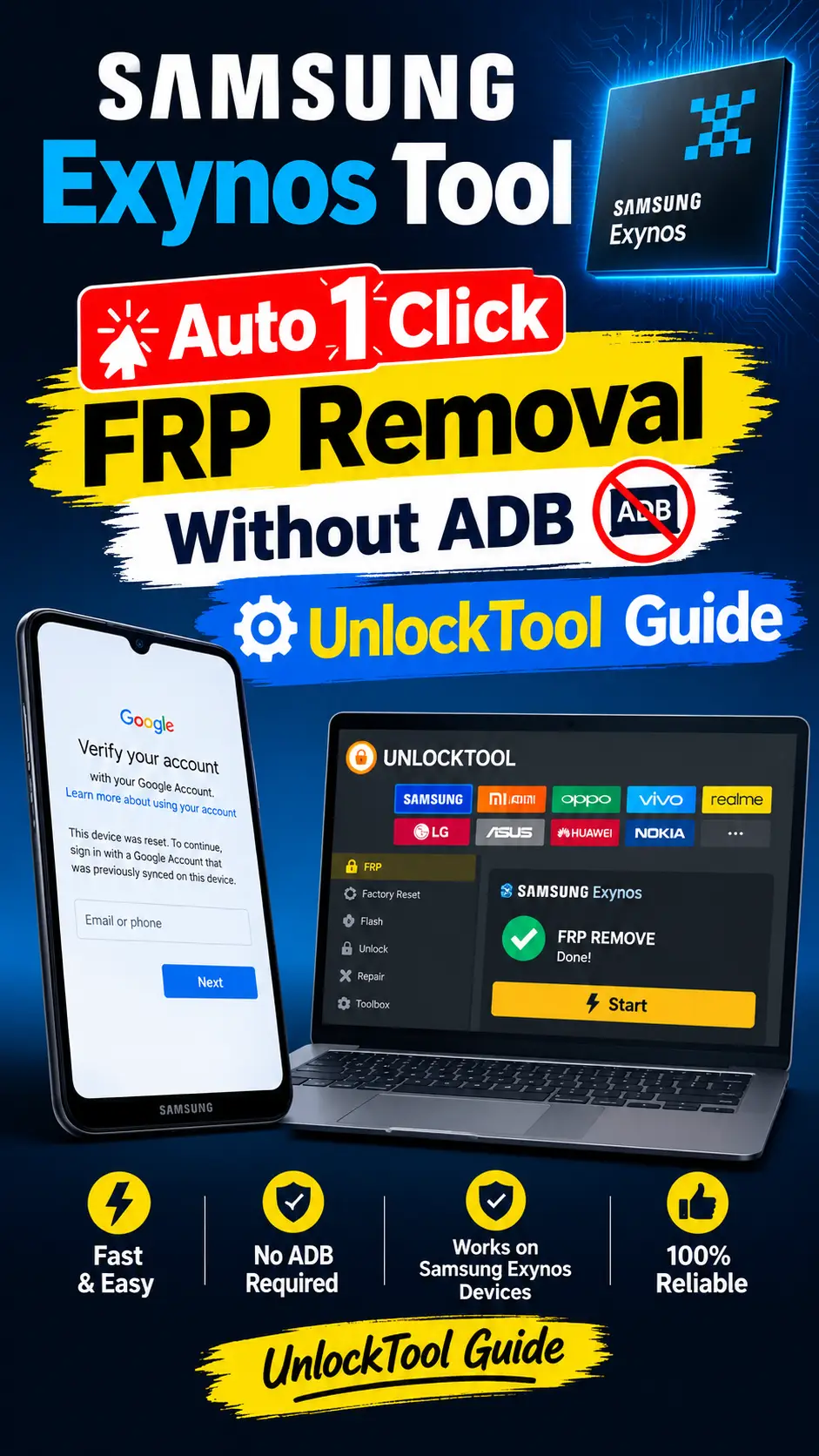
Samsung Exynos Tool removes the FRP lock from all Samsung devices with Exynos chips with just a single click using the Samsung Exynos Tool. This video tutorial for the Unlock Tool Users, how you can remove the FRP lock from any Samsung Exynos-based device—without requiring ADB or MTP port access.
Samsung Remove FRP Without ADB
Using the Unlock Tool, you can remove the FRP lock from Samsung devices equipped with Exynos chips—without needing an ADB USB port. If you watch this video in its entirety, you will easily understand how to do it.
Samsung FRP Lock Remove Download Mode
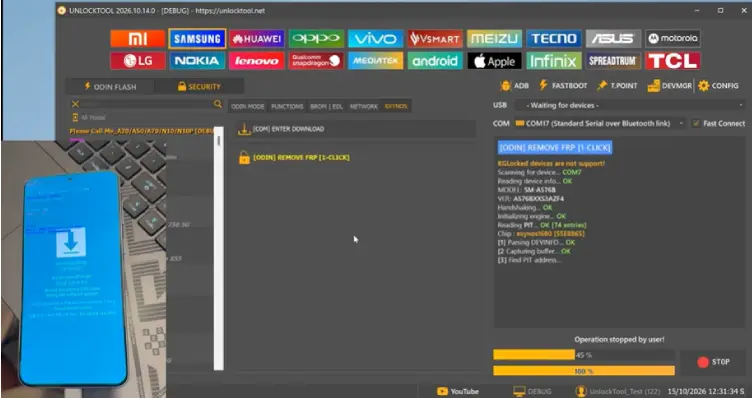
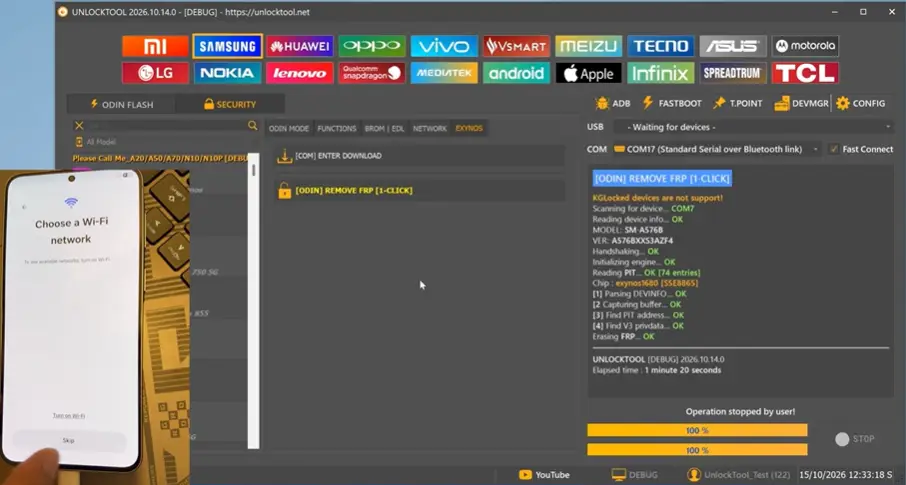
Using UnlockTool, you can remove the FRP lock from Samsung devices with Exynos chips—you do in Download Mode. Simply place your mobile device into Download Mode, open UnlockTool, navigate to the ‘Exynos’ tab under the Samsung category, and click on ‘Remove FRP 1 Click ‘. Within a few seconds, the FRP lock on your mobile device will be removed.